Animate Cartoons from Keyframes
Based on user reviews
Rating Distribution
ElenaVasquezDesign
about 1 month ago
I've been playing with ToonCrafter for about a month now, mostly for my graphic design side projects like animated stickers and social media graphics. As a freelancer, I love how it takes 2-4 keyframes and spits out smooth transitions in just 10-20 seconds. Uploaded some cartoon characters I drew, added a simple sketch for arm waving, and it nailed the motion while keeping the style consistent - shadows and all. Honestly, it's a game-changer compared to manual tweening in After Effects, which used to eat up hours. The free plan got me started, but I upgraded to Basic for $7.90/month since I needed more exports. It handles simple walks and gestures perfectly, but gets wonky with complex stuff like multiple characters interacting. Resolution caps at 512x320, so it's not pro-level yet, but for quick prototypes or student presentations, it's spot on. Wish it supported higher res, but the sketch guidance feature makes up for it. If you're a designer or educator dipping into animation, give it a shot - saves real time.
Dr. William Bobos
Dr. William Bobos has reviewed ToonCrafter AI for Image Generation, rating it 4.0/5 based on 1 user review. This tool is particularly well-suited for AI tools use cases, making it a strong choice for content creators in this field.
Pricing: $0 – $34.9 / month(Updated January 2026)
Free plan ($0), Basic $7.90/month, Plus $15.90/month, Pro $23.90/month, Max $34.90/month (all billed annually)
Usage Model: Per-Image — ensuring you only pay for what you actually use.
ToonCrafter AI's free tier removes financial barriers for content creators exploring image generation solutions. The free plan delivers core functionality that's perfect for learning and initial testing. When you're ready to scale, paid subscriptions unlock enterprise features, higher capacity, and professional support tailored to content creators with growing image generation needs.
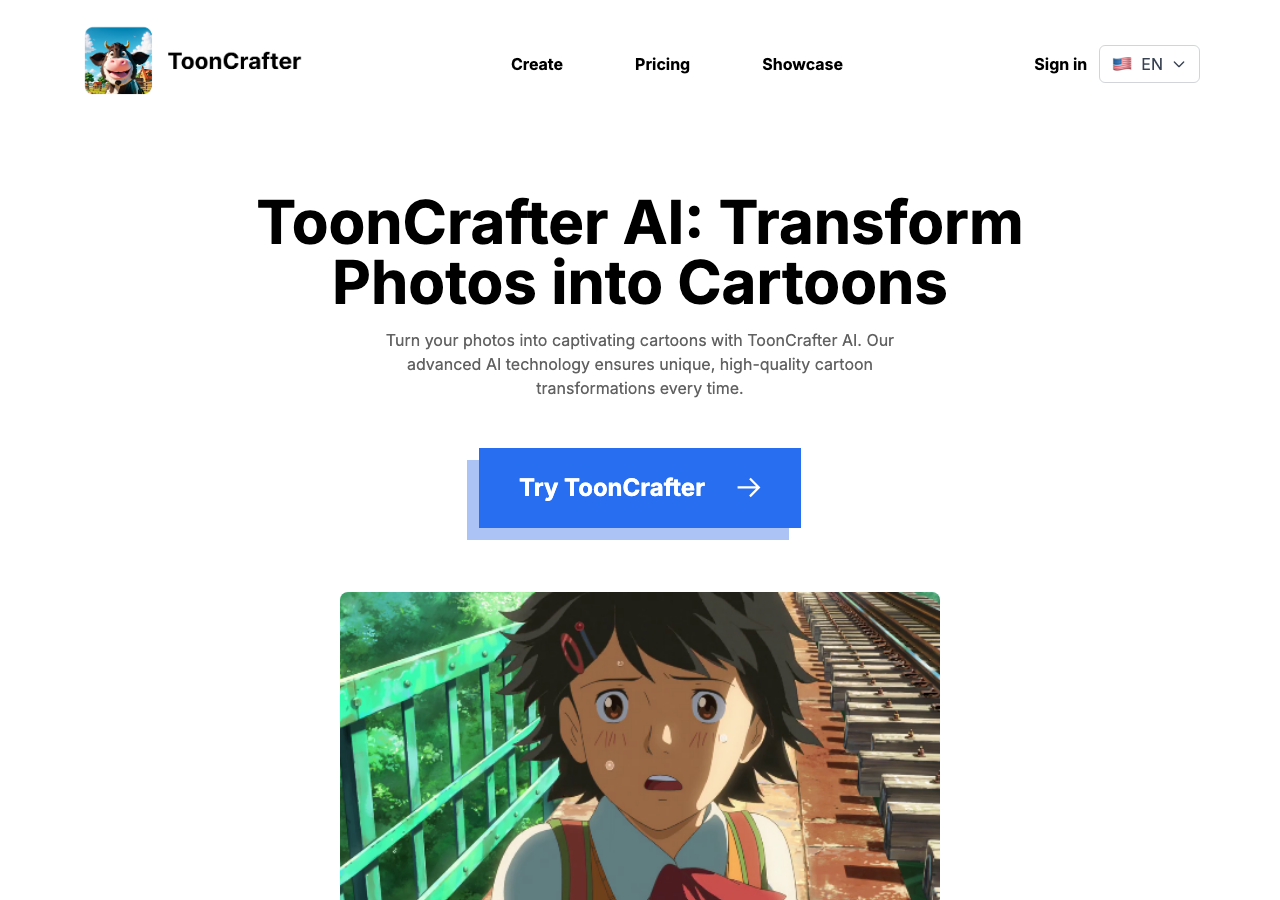
ToonCrafter is an AI-powered cartoon animation generator that creates smooth, consistent animations by interpolating between 2-4 static cartoon keyframe images. Users upload keyframes, optionally describe motion via text or sketches, and receive fluid transitions in seconds, preserving style, details, and handling complex movements for projects like stickers, presentations, and personal art.[1][2][3]
Understanding the core functionality and approach of ToonCrafter AI.
Start creating videos with ToonCrafter AI on the free tier, then scale as projects grow. The freemium approach lets teams validate video workflows before investing. Latest release shipped on January 29, 2026, showing a fast-moving roadmap.
Explore the powerful features that make ToonCrafter AI stand out.
Output quality matches or exceeds what you'd get from traditional design workflows. Currently optimized for Web App.
ToonCrafter AI supports various aspect ratios, resolutions, and codecs for maximum compatibility. Latest release shipped on January 29, 2026, showing a fast-moving roadmap.
SDKs (e.g., Python) help dev teams launch prototypes quickly.
Discover how different audiences leverage ToonCrafter AI for their specific needs.
Marketing teams produce on-brand visuals faster than traditional design workflows allow. Currently optimized for Web App.
Content Creators rely on ToonCrafter AI to keep content volume high—templates, collaboration, and AI help hit deadlines without extra headcount.
Discover more AI tools in related categories, platforms, and use cases.
Deepen your understanding of the concepts behind tools like ToonCrafter AI with our expert guides.
Understand core concepts like LLMs and Machine Learning.
Master search, filtering, and comparison to find the perfect tool.
Learn to craft effective prompts to command AI models.
Integrate AI into your daily workflows ethically and effectively.
See how ToonCrafter AI stacks up against similar alternatives in the market.

Create stunning AI art without limits—prompts optional, possibilities endless.
Explore these popular alternatives to ToonCrafter AI for your specific needs.
Take your tool to the next level with Featured placements, Academy mentions with high-authority backlinks, 48h Fast‑Track listing, Newsletter features to thousands of AI practitioners, and exclusive Data/API access for growth insights.
Use this page as a starting point to evaluate ToonCrafter AI alongside similar options. Our directory focuses on practical details that matter for adoption—capabilities, pricing signals, integrations, and real audiences—so you can shortlist with confidence and move from exploration to evaluation faster.
For a structured head‑to‑head, try the comparison view: Compare AI tools. To stay current with launches, model updates, and research breakthroughs, visit AI News. New to the space? Sharpen your understanding with AI Fundamentals.
Before adopting any tool, model your total cost at expected usage, verify integration coverage and API quality, and review privacy, security, and compliance. A short pilot on a real workflow will reveal reliability and fit quickly. Bookmark this site to track updates to ToonCrafter AI and the broader ecosystem over time.
Found incorrect information or have concerns about ToonCrafter AI? Let us know.
Looking for alternatives to ToonCrafter AI or similar tools? Use our AI-powered chatbot to discover the perfect solution for your needs.


