
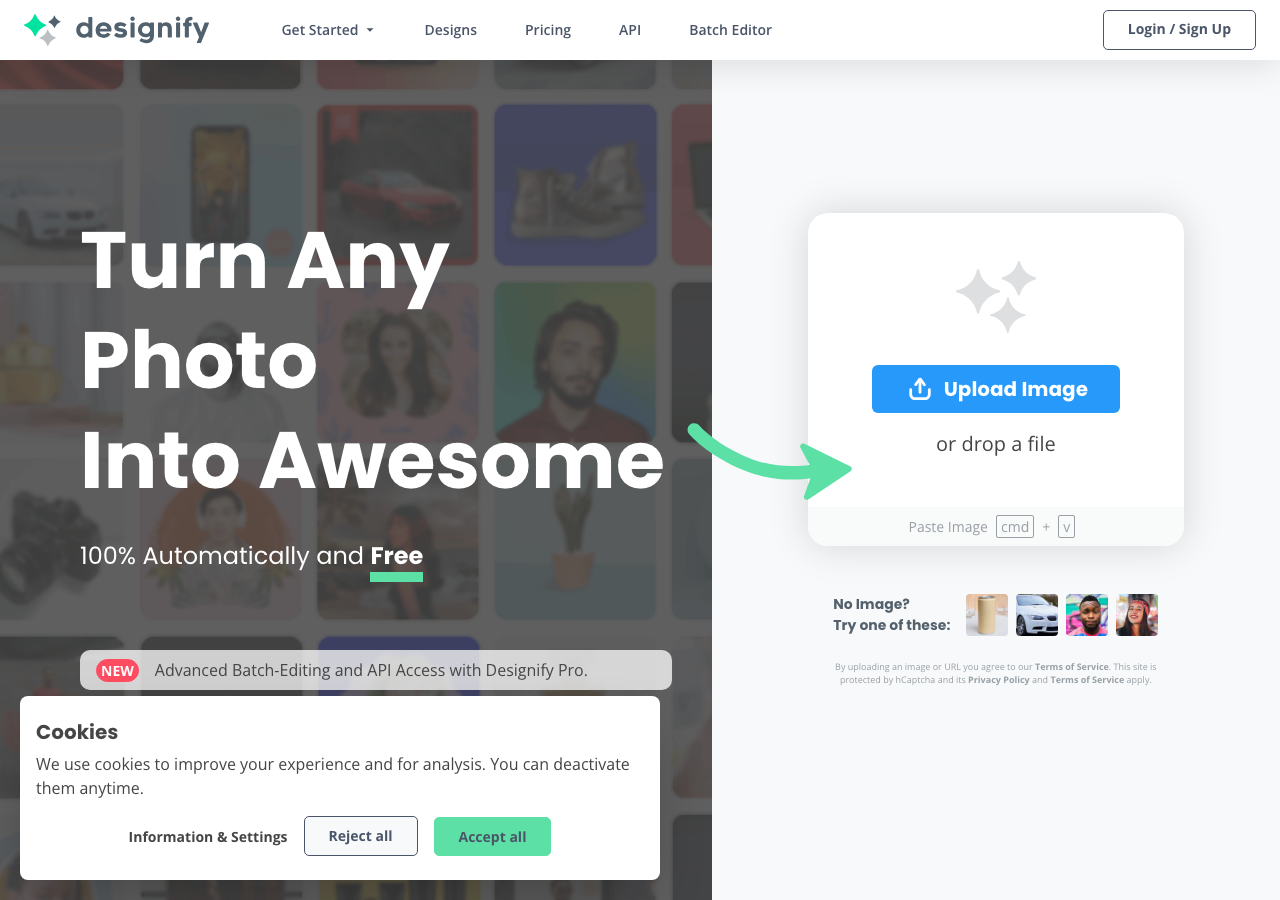
Design stunning visuals effortlessly with AI
No reviews yet
Be the first to review this tool!
Rating Distribution
No reviews yet. Be the first to share your experience!
Dr. William Bobos
Dr. William Bobos has evaluated Designify for Image Generation. With expertise in AI tools, Dr. William Bobos identifies this tool as especially effective for content creators requiring AI tools functionality.
Pricing: $0 – $39 / month(Updated October 2025)
Usage Model: Pay-as-You-Go, Per-Image — ensuring you only pay for what you actually use.
Designify includes a generous free tier that allows content creators to get started with image generation without any financial commitment. The free plan is well-suited for individual users and small projects, offering enough functionality to understand the tool's value. Teams and professionals can upgrade to access premium features, higher limits, and enhanced image generation capabilities.
Designify is an AI-powered image editing tool specialized in automatic background removal, color enhancement, smart shadow adjustment, and batch processing. It enables users—especially marketers, e-commerce sellers, and content creators—to create professional-looking photos for product listings, social media, and marketing materials without advanced design skills. Features include customizable design templates, batch editing of up to 1000 images, API integration, and tools for maintaining brand consistency by adding logos and matching color schemes.
Understanding the core functionality and approach of Designify.
Pay-as-you-go pricing means Designify costs scale with your actual usage. No wasted spend on unused seats or features you don't need yet. Integrations with Plugin/Integration keep work connected.
Explore the powerful features that make Designify stand out.
Output quality matches or exceeds what you'd get from traditional design workflows. Currently optimized for Web App.
Developers get client libraries that smooth integration work.
Trigger-based flows keep work moving without extra check-ins. Automation handles the repetitive work so teams can focus on strategy.
Growth teams move faster when messaging, assets, and analytics live together. Designify gives marketing teams a single view of campaigns, messaging, and performance.
Discover how different audiences leverage Designify for their specific needs.
Marketing teams produce on-brand visuals faster than traditional design workflows allow. Designify gives marketing teams a single view of campaigns, messaging, and performance.
Designify helps Content Creators finalize drafts and publish campaigns without waiting for more resources. Designify gives marketing teams a single view of campaigns, messaging, and performance.
Creative, channel, and analytics roles collaborate in real time. Designify gives marketing teams a single view of campaigns, messaging, and performance.
Discover more AI tools in related categories, platforms, and use cases.
Deepen your understanding of the concepts behind tools like Designify with our expert guides.
Understand core concepts like LLMs and Machine Learning.
Master search, filtering, and comparison to find the perfect tool.
Learn to craft effective prompts to command AI models.
Integrate AI into your daily workflows ethically and effectively.
See how Designify stacks up against similar alternatives in the market.
Explore these popular alternatives to Designify for your specific needs.
Take your tool to the next level with Featured placements, Academy mentions with high-authority backlinks, 48h Fast‑Track listing, Newsletter features to thousands of AI practitioners, and exclusive Data/API access for growth insights.
Use this page as a starting point to evaluate Designify alongside similar options. Our directory focuses on practical details that matter for adoption—capabilities, pricing signals, integrations, and real audiences—so you can shortlist with confidence and move from exploration to evaluation faster.
For a structured head‑to‑head, try the comparison view: Compare AI tools. To stay current with launches, model updates, and research breakthroughs, visit AI News. New to the space? Sharpen your understanding with AI Fundamentals.
Before adopting any tool, model your total cost at expected usage, verify integration coverage and API quality, and review privacy, security, and compliance. A short pilot on a real workflow will reveal reliability and fit quickly. Bookmark this site to track updates to Designify and the broader ecosystem over time.
Found incorrect information or have concerns about Designify? Let us know.
Looking for alternatives to Designify or similar tools? Use our AI-powered chatbot to discover the perfect solution for your needs.


