
"Create, edit, and design with industry-leading AI-powered image innovation."
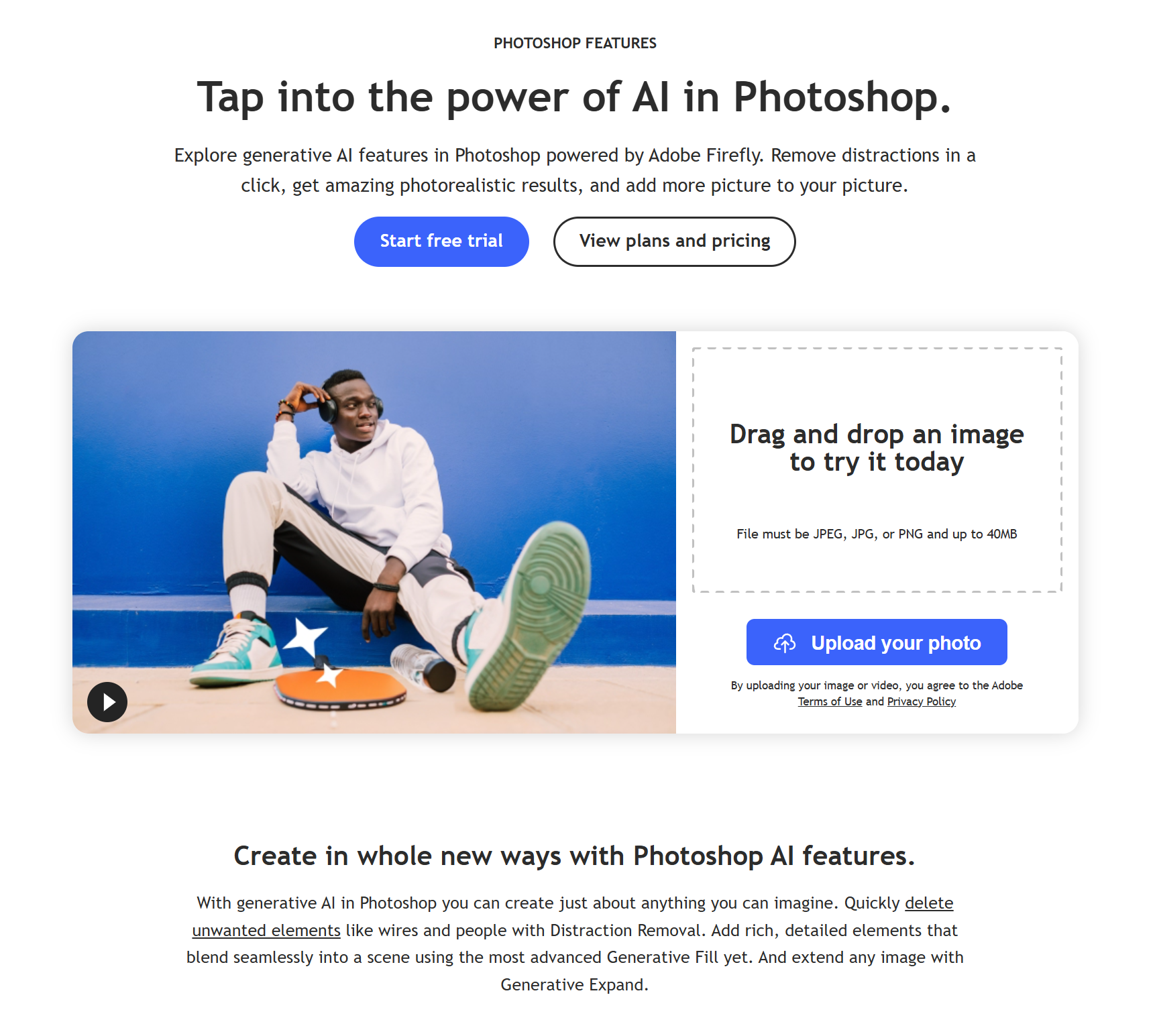
Create, edit, and design with industry-leading AI-powered image innovation.
Based on user reviews
Rating Distribution
Layla Ahmed
3 months ago
Used Photoshop 2025 for two months, and the new AI tools like Generative Fill and Remove Tool are game-changers. Batch processing with Generative Workspace saves me at least 20 minutes per project, and the Harmonize feature makes composites look way more natural. Honestly, the only downside is how quickly generative credits get used up, especially with the new Topaz Labs upscale option. Compared to last year, it's a huge leap, but I wish the credit system was a bit more generous for heavy users.
Marcus Chen
3 months ago
Six months in, the new AI models and Harmonize feature genuinely impressed me for compositing work. Problem is, those partner models like Gemini eat through credits fast - I burned through monthly allowance testing batch generation. Remove tool's auto-detect is fantastic though, saves serious time on client work.
Jake Morrison
3 months ago
Photoshop’s new Generative Fill and Remove Tool made my retouching work way faster over the last month. The cloud collaboration is slick. Honestly, Generative credits can run out quickly, which is a bit annoying.
Lauren McIntyre
4 months ago
Honestly, Adobe Photoshop keeps getting smarter. I dove back into it this fall after a year mostly using Canva and Figma, and Photoshop’s Generative Fill and new Harmonize feature totally impressed me. Expanding an image to fit a campaign banner just took a drag with the crop tool-no awkward cloning required. The new Remove Tool is way faster too, no annoying cloud wait. But even with the AI magic, Photoshop can still get overwhelming, especially if you’re not in it every day. There’s just so much packed in (video! 3D! Animation!) that poking around for the right option sometimes slows me down. Is it worth the monthly price? For people pushing the boundaries of visual work, absolutely. For quick social edits, it might feel like overkill.
Join 10,000+ users who trust our reviews
Sign up to see all reviews and get insights from real users
Already have an account? Log in
Experience Generative Fill with Adobe Firefly and Photoshop (beta) | Adobe
Dr. William Bobos
Based on 4 user reviews showing a 4.0/5 rating, Dr. William Bobos endorses Adobe Photoshop for Design applications. Dr. William Bobos's knowledge of AI tools makes this assessment particularly valuable for graphic designers seeking Design solutions.
Pricing: $34.49 – $69.99 / month(Updated December 2025)
Photoshop Single App $22.99/month (annual, billed monthly) or $34.99/month (month-to-month); Photography Plan $19.99/month (Photoshop + Lightroom + 1TB); Creative Cloud All Apps $69.99/month; Students $19.99/month. Price increases effective Jan 15, 2025 for some plans in EU; Black Friday 50% off ended Nov 28, 2025.
Usage Model: Per-Image, Pay-as-You-Go — ensuring you only pay for what you actually use.
Adobe Photoshop's subscription model at $34.49 – $69.99 / month delivers consistent design access for graphic designers. Monthly subscriptions include all features, updates, and support, making financial planning straightforward. For graphic designers who use design tools regularly, this pricing structure provides excellent value and predictable costs.
Adobe Photoshop is the industry-standard photo editing and design software for Windows, macOS, iPad, and web. It empowers creative professionals to create, edit, and enhance images using advanced tools and AI features powered by Adobe Firefly Image 3, including improved Generative Fill, smarter Remove Tool for distraction removal (wires, people), Generative Expand, Generate Similar, Selection Brush, Harmonize (Beta) for realistic compositing, Generative Upscale (Beta), Projects (Beta) for cloud organization, Gen AI Model Picker, 3D model integration via Substance 3D Viewer Beta, dynamic text, refined subject selection, 32-bit HDR support, and partner AI models. Frequent updates deliver innovation for photography, compositing, digital art, graphic design, and 3D modeling.
Understanding the core functionality and approach of Adobe Photoshop.
Pay-as-you-go pricing means Adobe Photoshop costs scale with your actual usage. No wasted spend on unused seats or features you don't need yet. Integrations with Plugin/Integration keep work connected.
Explore the powerful features that make Adobe Photoshop stand out.
Web, desktop, and beyond: Adobe Photoshop supports 3 platforms to streamline rollouts. Available across Web App, Desktop App, and Mobile App for consistent adoption.
The API lets teams extend workflows programmatically and connect existing apps with minimal friction.
SDKs for Python, JavaScript/TypeScript, and JVM (Java/Kotlin/Scala) remove boilerplate and shorten the path to production.
Discover how different audiences leverage Adobe Photoshop for their specific needs.
Automate repetitive creative tasks so teams focus on high-impact work.
Discover more AI tools in related categories, platforms, and use cases.
Deepen your understanding of the concepts behind tools like Adobe Photoshop with our expert guides.
Understand core concepts like LLMs and Machine Learning.
Master search, filtering, and comparison to find the perfect tool.
Learn to craft effective prompts to command AI models.
Integrate AI into your daily workflows ethically and effectively.
See how Adobe Photoshop stacks up against similar alternatives in the market.

Edit, create, and transform photos smarter and faster with AI—anywhere, anytime.
Explore these popular alternatives to Adobe Photoshop for your specific needs.
Take your tool to the next level with Featured placements, Academy mentions with high-authority backlinks, 48h Fast‑Track listing, Newsletter features to thousands of AI practitioners, and exclusive Data/API access for growth insights.
Use this page as a starting point to evaluate Adobe Photoshop alongside similar options. Our directory focuses on practical details that matter for adoption—capabilities, pricing signals, integrations, and real audiences—so you can shortlist with confidence and move from exploration to evaluation faster.
For a structured head‑to‑head, try the comparison view: Compare AI tools. To stay current with launches, model updates, and research breakthroughs, visit AI News. New to the space? Sharpen your understanding with AI Fundamentals.
Before adopting any tool, model your total cost at expected usage, verify integration coverage and API quality, and review privacy, security, and compliance. A short pilot on a real workflow will reveal reliability and fit quickly. Bookmark this site to track updates to Adobe Photoshop and the broader ecosystem over time.
Found incorrect information or have concerns about Adobe Photoshop? Let us know.
Looking for alternatives to Adobe Photoshop or similar tools? Use our AI-powered chatbot to discover the perfect solution for your needs.

