.png?alt=media&token=e833388f-1921-4f9e-8323-65ef890cee79)
"WorkPPT: AI-powered slides, PDF tools, summarizer & mind maps—all in one."
Typical plan: $19.99 / month
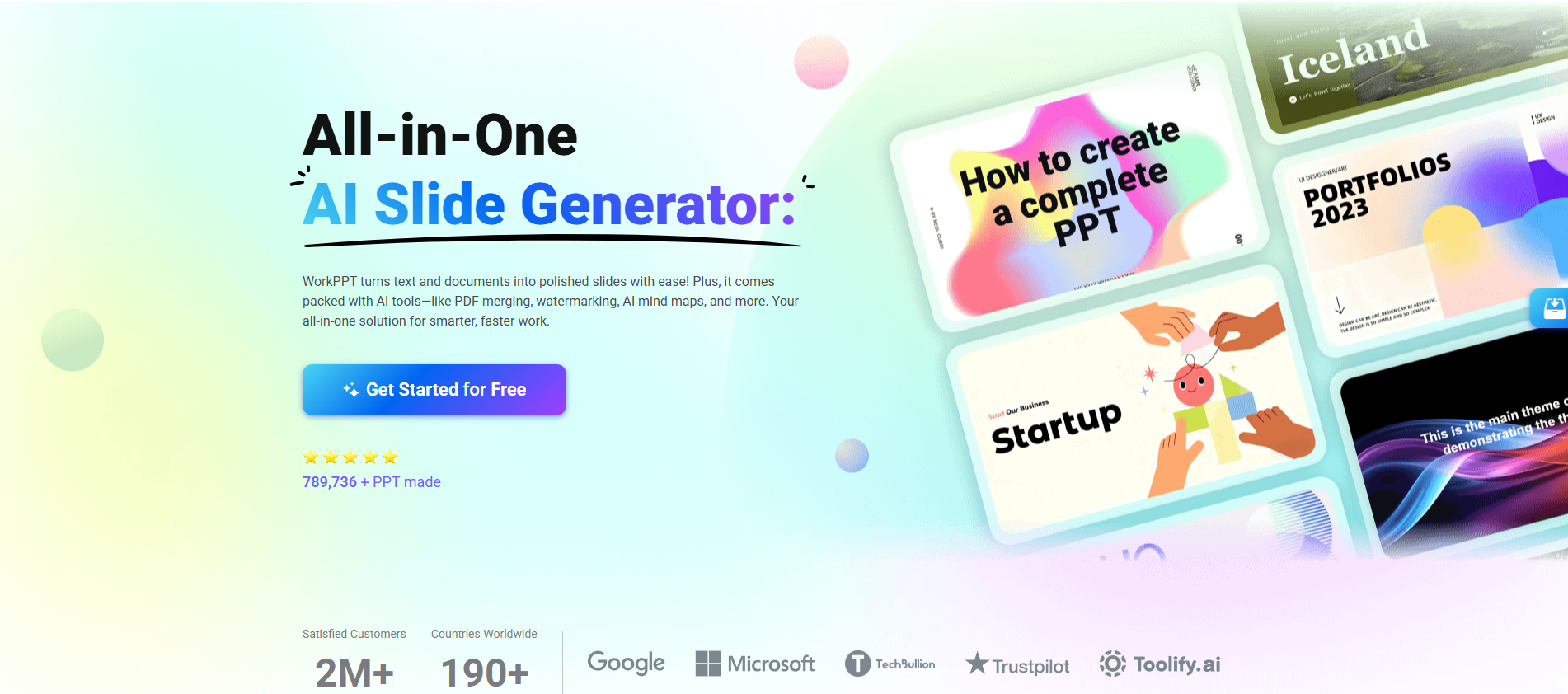
WorkPPT: AI-powered slides, PDF tools, summarizer & mind maps—all in one.
Based on user reviews
Rating Distribution
by Best AI Tools
We reviewed WorkPPT and were impressed by how its AI slide generator reads Word, PDF, text, or images and automatically structures them into coherent, well-designed presentations, supported by an extensive library of over 5,000 templates. From a developer perspective, the tight integration of AI PPT, AI PDF (merge/split/watermark), summarizer, chat, and mind mapping in a single, clean interface makes it a practical hub for content creation workflows rather than just a slide maker. One useful enhancement could be exposing more granular controls for slide-level layout and theme rules (e.g., brand palettes, typography tokens) so teams can enforce design systems programmatically while still benefiting from automatic generation.
LilaKwanTech
15 days ago
I've been testing WorkPPT for three weeks now, mainly for client pitches. Uploading a PDF report turns it into a polished deck in seconds, complete with one of their 5000+ templates - way faster than fiddling in PowerPoint. The AI summarizer saved me 30 minutes on a long whitepaper last week, and exporting to PPTX is seamless. To be honest, the free tier limits exports, pushing you to upgrade, but at $19.99/month it's solid value compared to pricier tools like Gamma. Wish animations were more customizable, but honestly, it streamlines my workflow perfectly for busy days.
Regina Lee
With a 4.0/5 rating from 1 user review, WorkPPT receives positive evaluation from Regina Lee for Productivity & Collaboration use cases. Regina Lee's background in AI tools highlights the tool's value for content creators needing AI tools solutions.
Pricing: $0 – $99.99 / month(Updated February 2026)
Free tier available, 1 Month Plan $19.99/month, Unlimited Year Plan $99.99/year ($8.33/month), Lifetime Plan $139.99 one-time
Usage Model: API Calls — ensuring you only pay for what you actually use.
The free tier of WorkPPT is perfect for content creators starting their productivity & collaboration journey. It includes fundamental features that allow users to understand the tool's potential. Upgrading to paid plans unlocks the full power of WorkPPT, with advanced features, better performance, and priority support for content creators building serious productivity & collaboration solutions.
WorkPPT is an all-in-one AI platform that turns text, documents, and files into professional presentations with 5000+ templates. It includes AI summarizer, mind maps, PDF tools (merge, split, convert, watermark), chat, and more for streamlined workflows.
Understanding the core functionality and approach of WorkPPT.
WorkPPT supports perpetual licensing so ownership is straightforward. You can run the tool over multiple years without subscription renewals. Perpetual licensing works well for long-lived deployments without recurring fees.
Explore the powerful features that make WorkPPT stand out.
WorkPPT coordinates processes across teams so automation handles repetitive tasks. Automation handles the repetitive work so teams can focus on strategy.
Discover how different audiences leverage WorkPPT for their specific needs.
Creative teams stay in flow with shared workspaces and on-brand outputs.
Bots, rules, and triggers ensure nothing gets stuck in manual queues. Integrations with Google Workspace, PowerPoint, and Canva keep work connected.
Discover more AI tools in related categories, platforms, and use cases.
Deepen your understanding of the concepts behind tools like WorkPPT with our expert guides.
Understand core concepts like LLMs and Machine Learning.
Master search, filtering, and comparison to find the perfect tool.
Learn to craft effective prompts to command AI models.
Integrate AI into your daily workflows ethically and effectively.
See how WorkPPT stacks up against similar alternatives in the market.

Create presentations, websites, docs & social instantly with AI—no design skills required.
Explore these popular alternatives to WorkPPT for your specific needs.
Take your tool to the next level with Featured placements, Academy mentions with high-authority backlinks, 48h Fast‑Track listing, Newsletter features to thousands of AI practitioners, and exclusive Data/API access for growth insights.
Use this page as a starting point to evaluate WorkPPT alongside similar options. Our directory focuses on practical details that matter for adoption—capabilities, pricing signals, integrations, and real audiences—so you can shortlist with confidence and move from exploration to evaluation faster.
For a structured head‑to‑head, try the comparison view: Compare AI tools. To stay current with launches, model updates, and research breakthroughs, visit AI News. New to the space? Sharpen your understanding with AI Fundamentals.
Before adopting any tool, model your total cost at expected usage, verify integration coverage and API quality, and review privacy, security, and compliance. A short pilot on a real workflow will reveal reliability and fit quickly. Bookmark this site to track updates to WorkPPT and the broader ecosystem over time.
Found incorrect information or have concerns about WorkPPT? Let us know.
Looking for alternatives to WorkPPT or similar tools? Use our AI-powered chatbot to discover the perfect solution for your needs.

