
"Turn complexity into clarity with your AI-powered research and thinking partner"
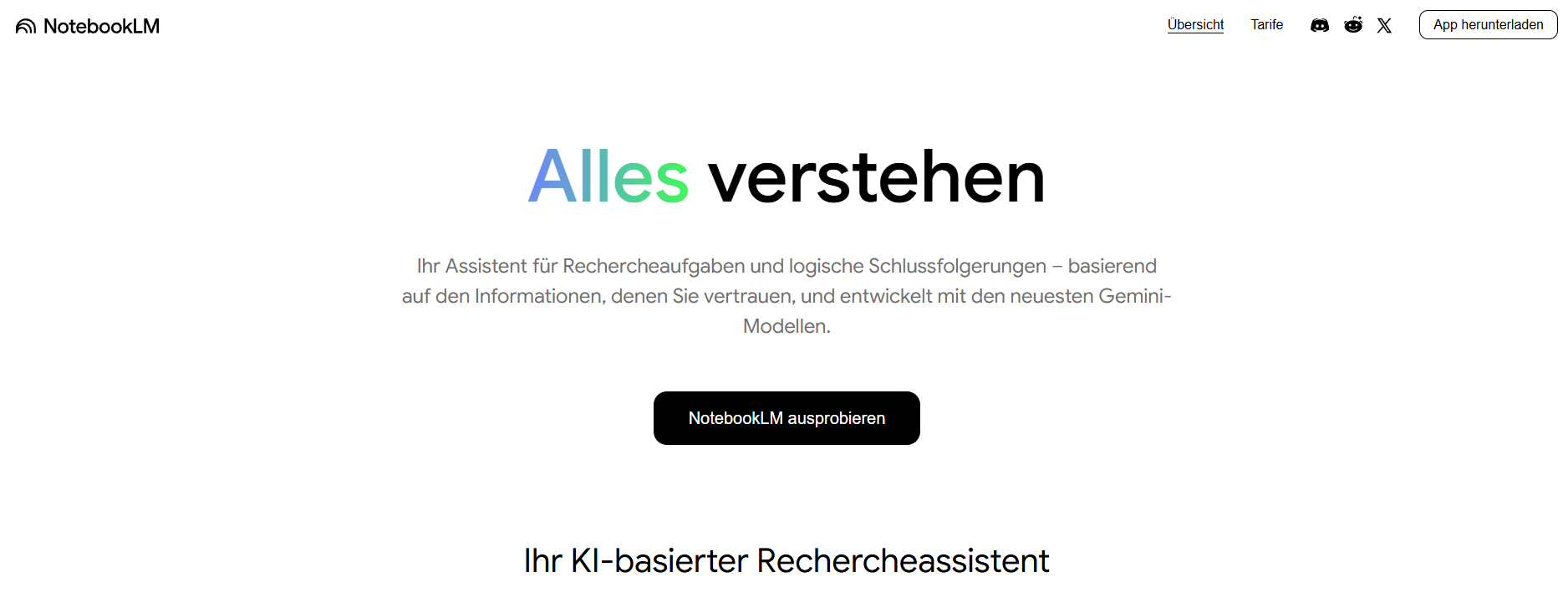
Turn complexity into clarity with your AI-powered research and thinking partner
Based on user reviews
Rating Distribution
by Best AI Tools
We reviewed NotebookLM and appreciate that it functions as a source-grounded research assistant, letting users upload heterogeneous materials like PDFs, Google Docs, Slides, web URLs, and even YouTube transcripts, then querying them with cited answers, mind maps, and structured reports. From a developer perspective, the Studio/Reports panel and features like audio and video overviews are a smart way to expose different “views” over the same underlying document graph, which is especially useful for learning workflows. One suggestion we have is to expose more explicit controls for source selection and weighting per query or report, so power users can fine-tune which documents or segments drive a given output.
Evan Cartwright
about 2 months ago
NotebookLM has quietly become my main research hub over the past 3 months, especially for long PDFs. Source-grounded answers feel trustworthy, but the lack of cross-notebook linking and finer controls can be frustrating.
Albert Schaper(Artificial Intelligence, AI Tools)
With a 4.0/5 rating from 1 user review, Notebook LLM receives positive evaluation from Albert Schaper for Productivity & Collaboration use cases. Albert Schaper's background in artificial intelligence highlights the tool's value for students needing artificial intelligence solutions.
AI research tool and thinking partner that analyzes sources, turns complexity into clarity, and transforms content into study aids, overviews, and reports
Understanding the core functionality and approach of Notebook LLM.
Notebook LLM offers enterprise pricing that adapts to your organization's specific needs. Sales teams help structure agreements around compliance, volume, and support requirements. Sales will scope pricing around volume, compliance, and onboarding requirements.
Explore the powerful features that make Notebook LLM stand out.
Real-time translation keeps multilingual teams aligned without delays. Currently optimized for Web App.
Demo and trial environments let teams experience Notebook LLM before committing.
Notebook LLM consolidates data to expose actionable insights quickly. Analytics and reporting surface the metrics needed to act quickly.
Discover how different audiences leverage Notebook LLM for their specific needs.
Notebook LLM helps businesses expand into new markets by localizing content quickly.
Students rely on Notebook LLM to keep content volume high—templates, collaboration, and AI help hit deadlines without extra headcount.
Product teams lean on Notebook LLM to test features, gather feedback, and prioritize roadmaps using real data. Analytics and reporting surface the metrics needed to act quickly.
Discover more AI tools in related categories, platforms, and use cases.
Deepen your understanding of the concepts behind tools like Notebook LLM with our expert guides.
Understand core concepts like LLMs and Machine Learning.
Master search, filtering, and comparison to find the perfect tool.
Learn to craft effective prompts to command AI models.
Integrate AI into your daily workflows ethically and effectively.
See how Notebook LLM stacks up against similar alternatives in the market.

Your trusted AI collaborator for coding, research, productivity, and enterprise challenges
Explore these popular alternatives to Notebook LLM for your specific needs.
Take your tool to the next level with Featured placements, Academy mentions with high-authority backlinks, 48h Fast‑Track listing, Newsletter features to thousands of AI practitioners, and exclusive Data/API access for growth insights.
Use this page as a starting point to evaluate Notebook LLM alongside similar options. Our directory focuses on practical details that matter for adoption—capabilities, pricing signals, integrations, and real audiences—so you can shortlist with confidence and move from exploration to evaluation faster.
For a structured head‑to‑head, try the comparison view: Compare AI tools. To stay current with launches, model updates, and research breakthroughs, visit AI News. New to the space? Sharpen your understanding with AI Fundamentals.
Before adopting any tool, model your total cost at expected usage, verify integration coverage and API quality, and review privacy, security, and compliance. A short pilot on a real workflow will reveal reliability and fit quickly. Bookmark this site to track updates to Notebook LLM and the broader ecosystem over time.
Found incorrect information or have concerns about Notebook LLM? Let us know.
Looking for alternatives to Notebook LLM or similar tools? Use our AI-powered chatbot to discover the perfect solution for your needs.

